Frequently asked questions
To fix the key points, we draw on the most common questions asked on these topics, trying to give the right answer in a few lines.
What is a computer cart?
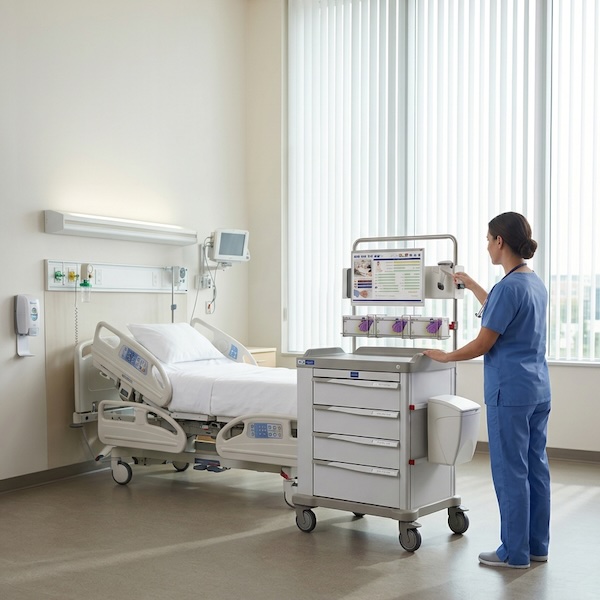
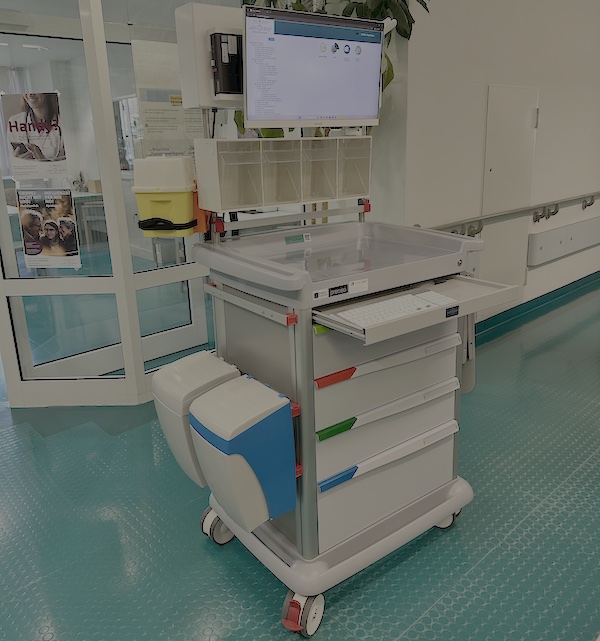
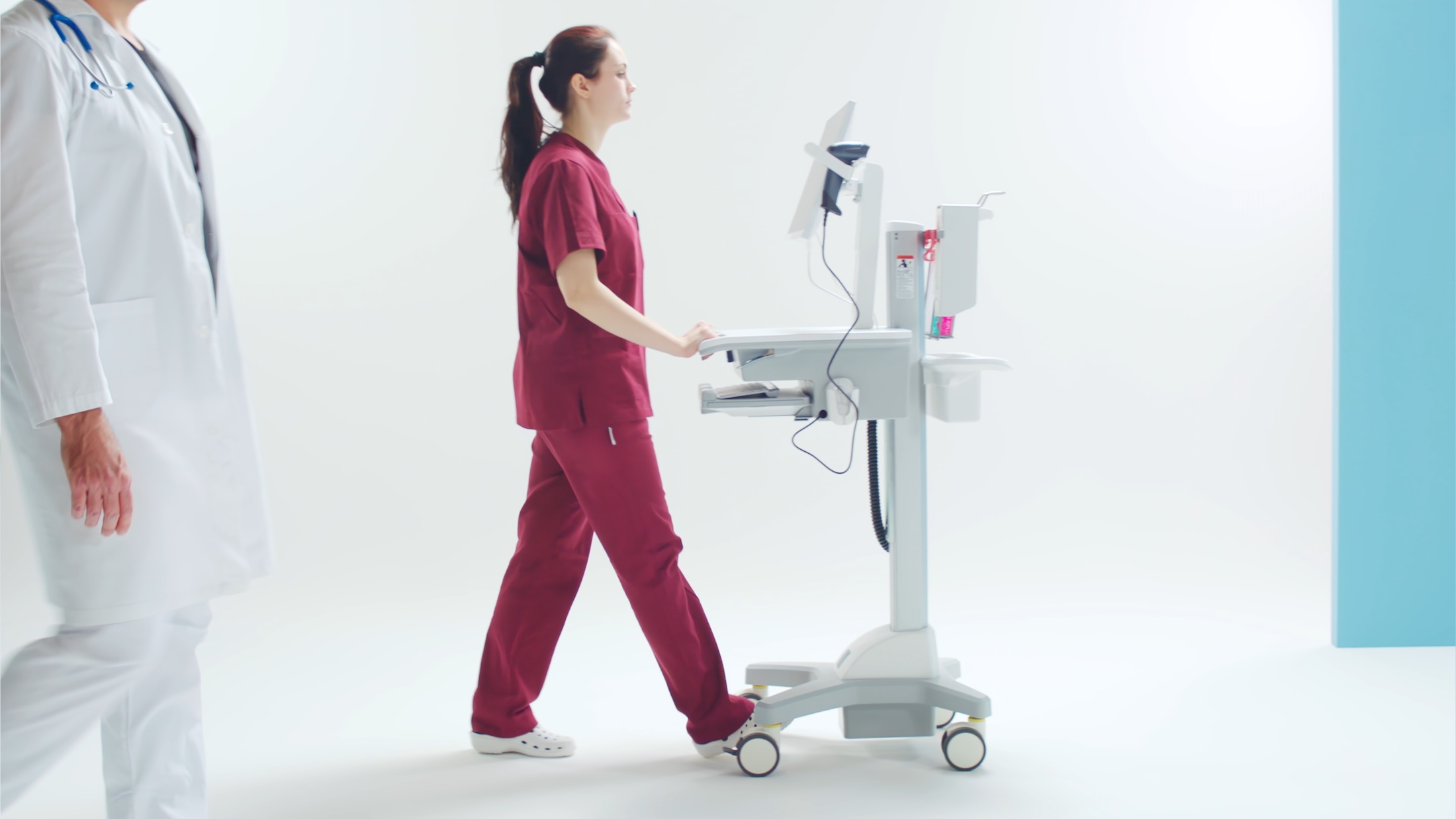
It is a cart that combines battery power, a mount for the computing device and a work surface, and brings the electronic health record to the patient’s bedside during the ward round and medication distribution. In the international literature it is known as a computer on wheels (COW) or workstation on wheels (WOW).
How much runtime should a computer cart’s battery have?
The operational benchmark is the full length of a shift under variable load, with the monitor on and the PC in continuous use: at least 6 hours under these conditions. The runtime declared at constant laboratory load is generally higher than the real ward figure.
Integrated cart battery or hot-swap batteries?
It depends on the usage pattern, and the comparison is not technological but one of management cost. Hot-swap batteries, usually housed in all-in-one computers, avoid any downtime of the workstation because they are replaced without switching it off, but they must be managed like a fleet: daily checks of charge state, charging stations and charged stocks per ward, with non-negligible per-battery costs. The integrated cart battery recharges by plugging it into the socket and requires no daily management, but it must go back on charge when runtime runs out. For use concentrated within the shift with recharging in the breaks, the integrated battery is generally the simpler and cheaper option; for continuous use around the clock with no recharge windows, hot-swap reduces downtime.
Can a cart already in use be computerized?
Yes, through retrofitting: a module that adds a battery, a mount for a mini PC and a VESA fitting for the monitor to carts already bought. Compatibility must be checked with the manufacturer, particularly on heterogeneous fleets or those near the end of their structural life.
A medical all-in-one computer or a monitor with a separate mini PC?
It depends on the context: the medical all-in-one computer reduces cables and bulk but is replaced as a block; the monitor-plus-mini-PC (or thin client) pairing costs less and is upgraded component by component, and is the natural choice where the clinical record runs in a virtualized environment.
What certifications should a healthcare computerized cart have?
Two levels should be kept distinct. For the computing devices used in the patient vicinity the reference is the IEC 60601-1 standard on medical electrical equipment; medical panel PCs are designed for this conformity. Upstream, however, what matters is the classification of the cart or the system itself: depending on the intended use and configuration, it may fall under the medical-device discipline. This is an evolving field, where not all offerings on the market sit at the same level: for this reason it is worth asking the supplier to state explicitly the product’s classification and the applicable conformities, rather than taking them for granted. The precise verification of requirements rests with the facility’s clinical engineering function.